Get paid on time, every time

Automate invoicing, speed up collections, and track every dollar in real time so you always know where your money is.

+75%

Faster collection on payments

+28%

Increase in billable hours
6h

saved a week on manual data entry
Trusted by Worldwide happy customers

Everything you need for smarter financial management

From invoicing to expense tracking, everything flows seamlessly in a system built for financial clarity.

Never leave money on the table again.

  • Convert tracked time to invoices automatically
  • Pull project hours, expenses, and materials instantly
  • Customize invoice templates to match your brand
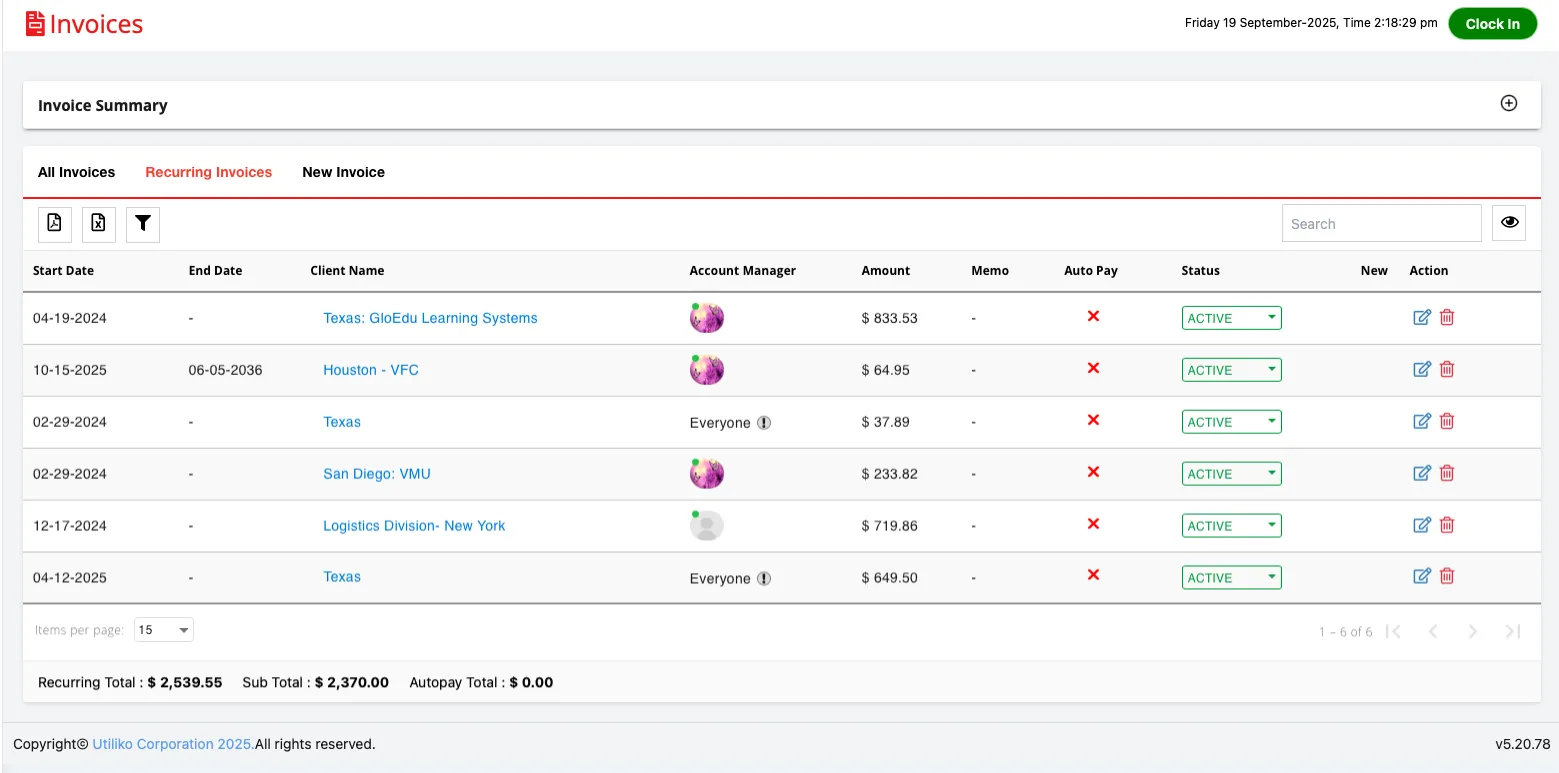
  • Set up recurring invoices for retainer clients
  • See outstanding balances at a glance
Your team focuses on the work while billing happens automatically in the background.

Turn slow payments into predictable cash flow.
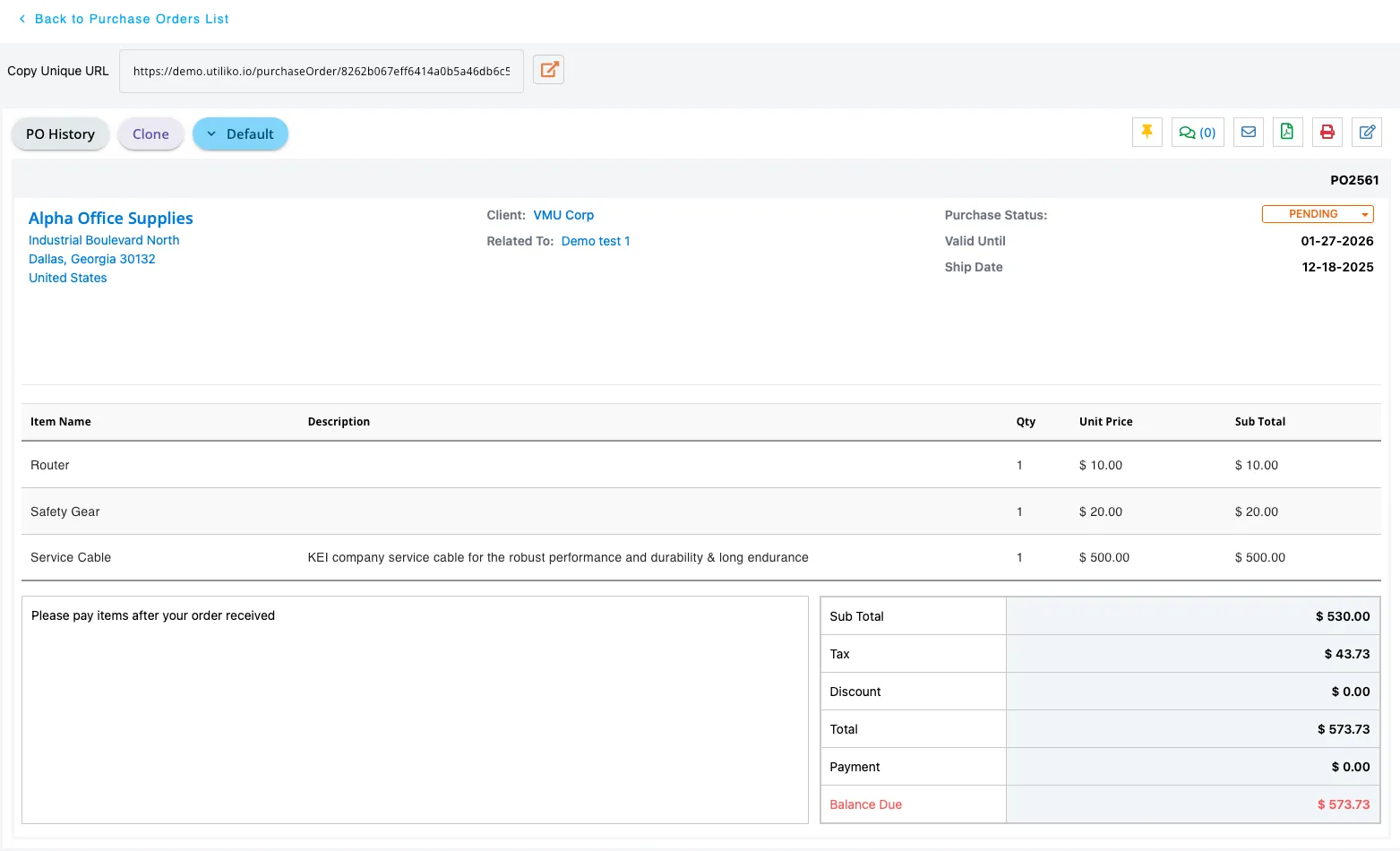
  • Enable autopay for recurring clients
  • Send automated payment reminders before invoices are overdue
  • Let clients view and pay invoices through a secure portal
  • Accept credit cards, ACH, and digital payments
  • Track payment status in real time
Stop chasing checks and start getting paid on time, every time.

Know exactly where your money goes, instantly.
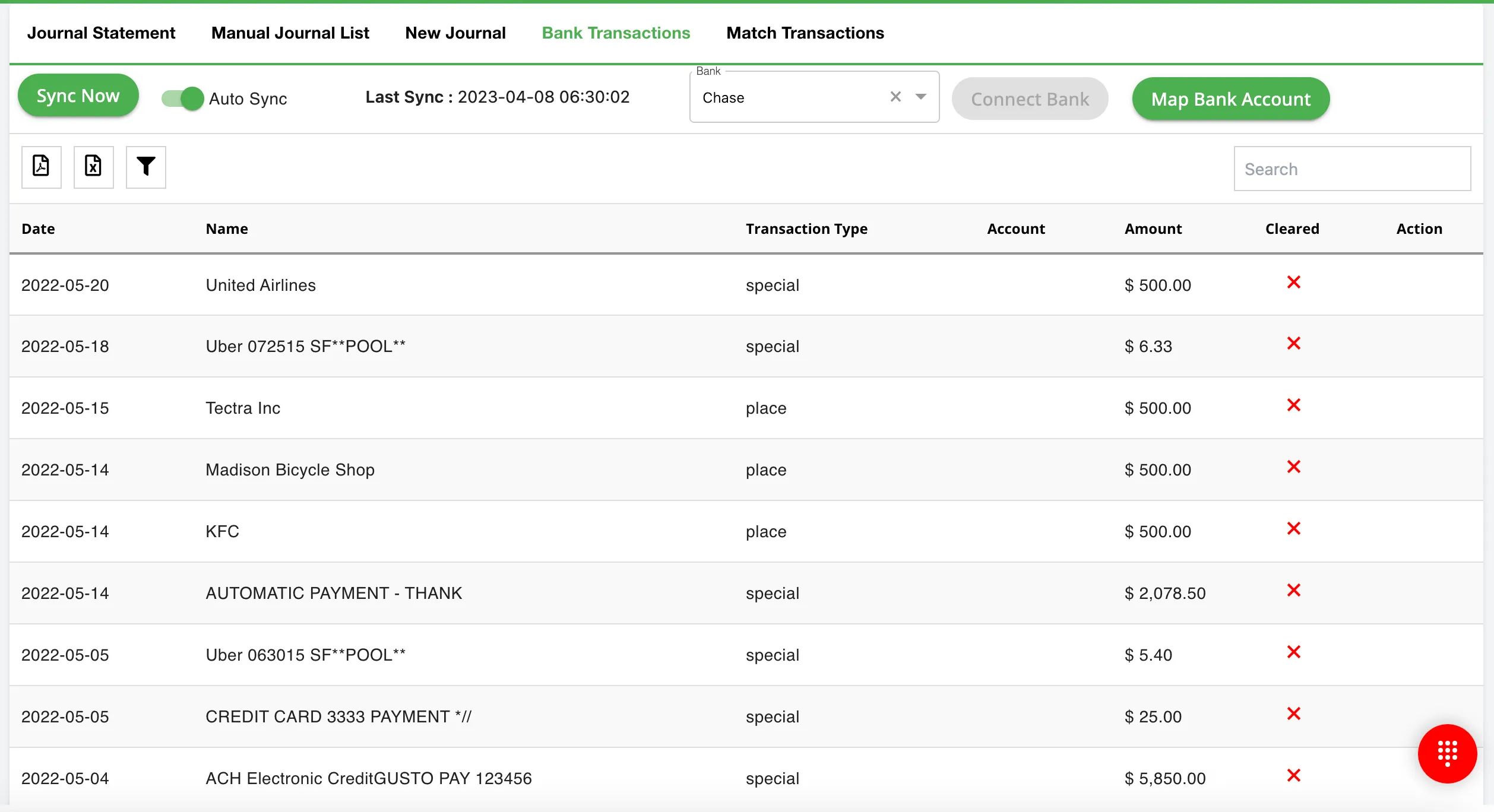
  • Sync bank accounts and credit cards automatically
  • Categorize expenses with smart rules
  • Attach receipts directly to transactions
  • Track vendor spending and payment history
  • Generate financial reports with one click
Make smarter decisions when you see your complete financial picture in real time.

Stop overpaying for multiple tools.

Get a complete business suite at an unbelievable price. Start your risk-free trial and see how Utiliko can transform the way you do business.

Get 14 days free

(no card required.)
Organize Business in One Click!

    Take control of your finances with Utiliko

    Turn hours of accounting work into minutes with automated workflows and real-time insights. All in Utiliko.

    Integrate apps with just a few clicks

    Bring your tech stack together with 100+ plug-and-play integrations. Plus, unlock Free custom integration options for complex or unique workflows.

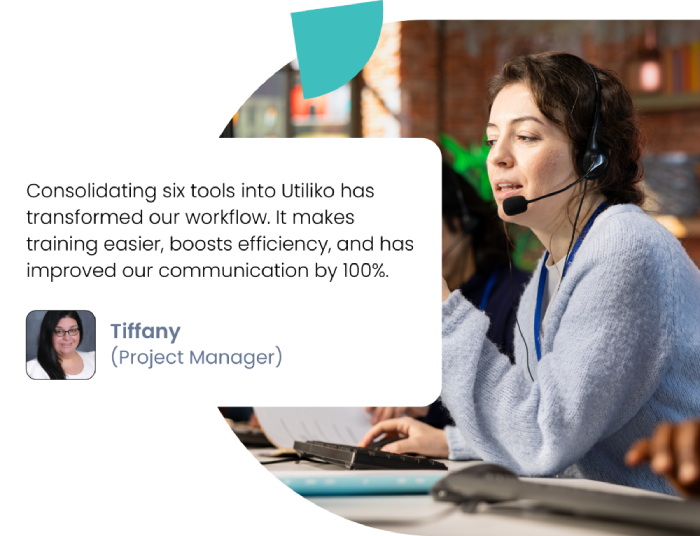
    Businesses Thriving With Utiliko

    From startups to scaling companies — hear how Utiliko transformed their operations.

    Your Questions, Answered

    We’ve compiled key answers to help you make the most informed decision.
    Still curious? Try our 14-day free trial.
    Can I track billable hours and convert them to invoices automatically?

    Yes. Every hour your team logs in gets tagged to the right client and project. When it’s time to bill, Utiliko pulls all billable time, expenses, and materials into a professional invoice with one click. No manual calculations, no missed hours, no revenue left behind.

    How does Utiliko help me forecast revenue?

    Set it once and forget it. Clients authorize automatic payments, and Utiliko charges their preferred payment method on a schedule, monthly, quarterly, or however you bill. You get paid consistently without lifting a finger, and clients never worry about missing a payment.

    What happens if a client doesn't pay on time?

    Utiliko sends automatic reminders based on your schedule before the due date, on the due date, and after. You control the timing and messaging. Most clients pay before you’d even think to follow up manually. For those who don’t, you’ll know exactly who owes what and for how long.

    Can clients pay directly through the invoice?

    Absolutely. Every invoice includes a “Pay Now” button. Clients click, choose their payment method, and you’re done. Funds hit your account faster because there’s zero friction. No printing, mailing checks, or waiting for manual processing.

    Does Utiliko integrate with QuickBooks or other accounting software?

    Yes. Utiliko syncs with QuickBooks, Xero, and other major accounting platforms. Your invoices, payments, and expenses flow seamlessly between systems. Use Utiliko for operations and client management while your accounting software handles the books—everything stays in sync automatically.

    How does bank sync work for expense tracking?

    Connect your bank accounts and credit cards once, and transactions import automatically every day. Utiliko learns your categorization preferences and applies them going forward. Review and approve expenses in minutes instead of reconstructing your spending from memory at month-end.

    Can I see profitability by project or client?

    Completely. Utiliko tracks every dollar in and out tied to specific projects and clients. See which work is profitable, which clients pay the most margin, and where you’re spending too much time for too little return. Make strategic decisions based on real financial data, not gut feel.

    What reports can I generate for my accountant or bookkeeper?

    Everything they need is profit and loss statements, balance sheets, accounts receivable aging, expense reports by category, tax summaries, and more. Export to PDF or CSV and hand it over. Your accountant will thank you for organized, accurate data instead of shoeboxes full of receipts.

    How does Utiliko help with tax time?

    All your income and expenses are already categorized and documented throughout the year. When tax season arrives, pull reports by date range, review transactions, and export everything your accountant needs. What used to take days now takes minutes—and you’ll actually have the documentation to back up every deduction.