

Free Online Purchase Order Generator
Create a professional purchase order in minutes — no spreadsheets, no login required. Enter your details, add your line items, and download or send a ready-to-use PO. Powered by Utiliko.
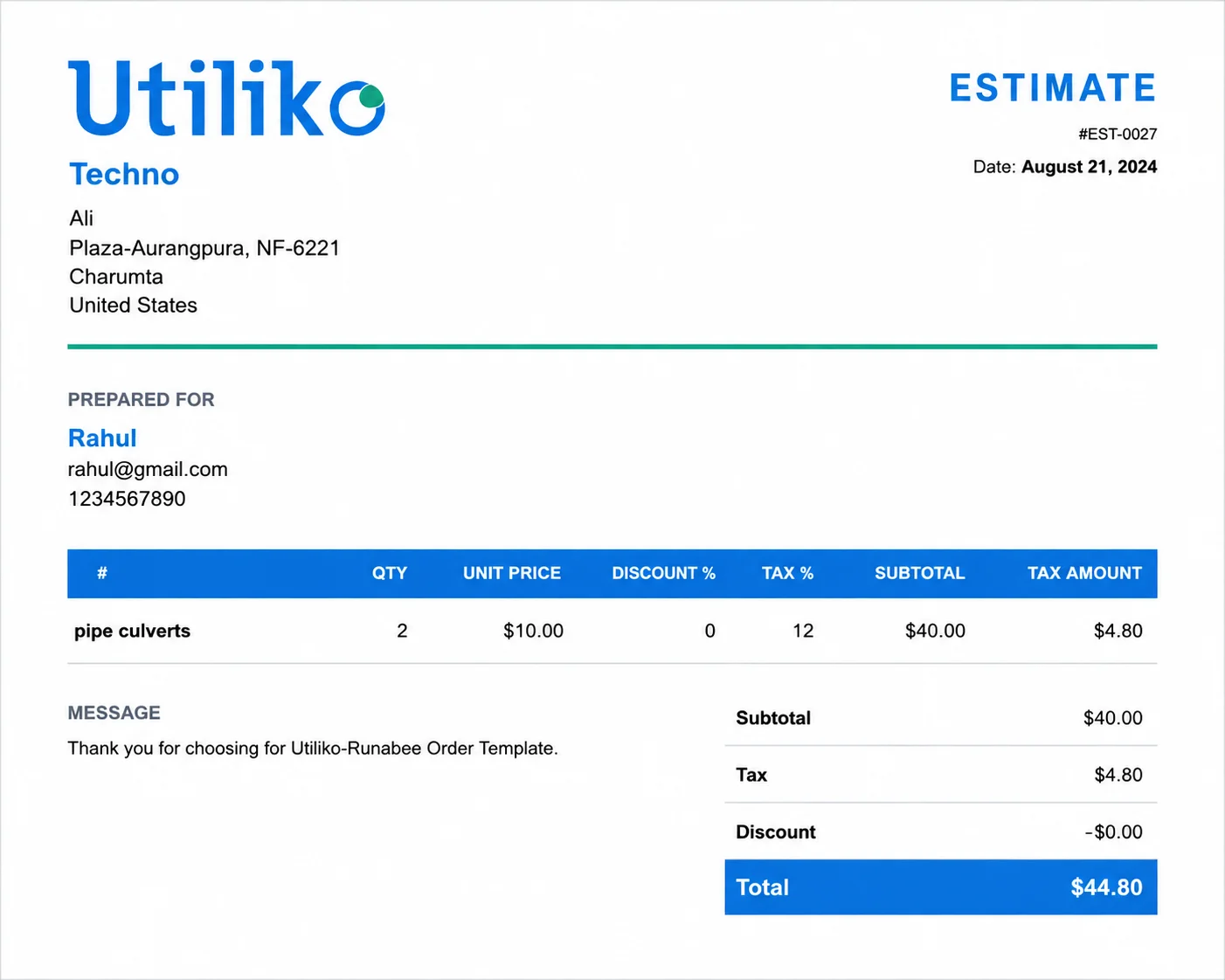
Generate your Purchase Order in 3 Steps
1. Enter Details
Enter your business details and your vendor's details.
2. Add Items
List the items or services you're ordering, with quantity and price.
3. Review & Send
Review the total and download or send your purchase order.
That’s it — no account required to create a purchase order, and no formatting to fix afterward.
What’s Included in Utiliko’s Purchase Order Generator
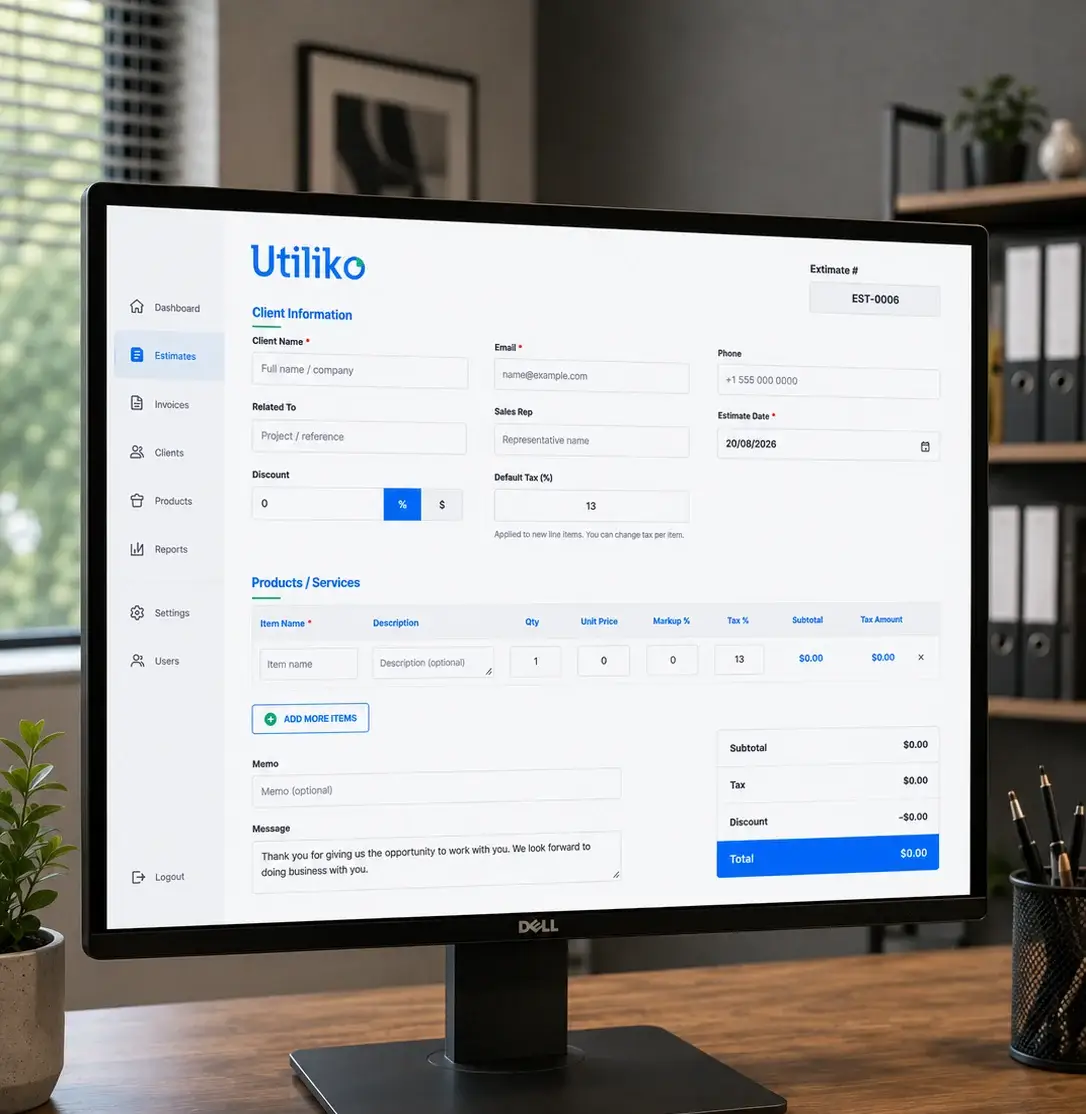
Every field a standard PO needs, built into one simple form:
- —Auto-generated PO numberEvery order gets a unique, sequential reference, so nothing gets duplicated or lost.
- —Buyer, vendor, and shipping detailsCompany info and addresses in one form.
- —Itemized line itemsDescription, quantity, unit price, and markup for as many products or services as the order needs.
- —Per-item and order-level taxApply a default tax rate or override it line by line.
- —DiscountsApply a flat amount or percentage before totals calculate.
- —Notes and termsAdd delivery instructions, payment terms, or special conditions.
- —Auto-calculated totalsSubtotal, tax, discount, and grand total update as you type.
- —Instant preview, download, or sendGet a print-ready PDF or email it straight to your vendor.
- —No login, no softwareWorks in any browser, on desktop or mobile.
- —Free, unlimited useCreate as many purchase orders as you need, at no cost.
Why Purchase Orders Matter
A purchase order isn’t just paperwork it’s what keeps buying organized and accountable:
Used on its own, a purchase order keeps a single transaction clean. Connected to Utiliko, that same PO ties back to the client, deal, or project it belongs to — so your sales, accounting, and delivery teams are always looking at the same numbers instead of chasing them across separate spreadsheets.
When to Use a Purchase Order?
A PO is what a buyer sends before goods or services are delivered — a formal request and commitment to pay, once the vendor accepts it.
Before
Quote / Estimate
Proposed pricing before either side has committed to anything.
You are here
Purchase Order
Sent by the buyer to formally request and commit to an order, before delivery.
After
Invoice
Sent by the vendor after fulfillment, to request payment.
Try Utiliko’s free Invoice Generator once the order ships, or the free Quote Generator if you’re still agreeing on pricing.
Frequently asked Questions
A purchase order (PO) is a formal document a buyer sends to a vendor to request goods or services, listing what’s being ordered, at what price, and under what terms. Once the vendor accepts it, it becomes a binding agreement.
Use Utiliko’s free online purchase order generator: enter your business and vendor details, add your line items, and download or send the finished PO — no sign-up and no software to install.
A purchase order is sent by the buyer before delivery, as a request and commitment to buy. An invoice is sent by the vendor after delivery, as a request for payment.
Each PO gets a unique number so both buyer and vendor can track, reference, and match it to the eventual invoice and delivery. You can assign these manually, or let a purchase order number generator create sequential, non-duplicate numbers for you automatically.
No — a free online purchase order generator like Utiliko’s handles the formatting, math, and layout for you, so you don’t need Word, Excel, or accounting software just to generate a purchase order.
The Purchase Order is Just the Start
Utiliko runs your whole business from one platform — sales, accounting, HR, and operations — so every PO, invoice, and quote stays connected to the client, deal, and project it belongs to. Stop juggling apps and start doing your best work in one place.