

Blog
Field Service Management Software for HVAC Contractors (2026)


If you’re still relying on whiteboards or scattered text messages to manage your HVAC service calls, you’re not alone. Running an HVAC business gets harder as more jobs come in and schedules start changing throughout the day. That’s why more companies are switching to field management software.
This guide for small and mid-sized HVAC contractors walks you through what to look for, what to avoid, how to evaluate platforms before you commit, and what it costs to run FSM software at your scale.
What HVAC Field Service Management Software Actually Does
Field service management (FSM) software refers to a platform that coordinates the full cycle of HVAC service work, from the first customer call through job completion and final invoice, in one connected system.
The core functions are:
- Scheduling and dispatch
- Technician mobile access
- Work order management
- Customer history
- Parts inventory
- Estimates, invoicing, and payments
Some platforms extend into CRM, HR, accounting integration, and service agreements.
FSM software solves the disconnection problem. A disconnection problem occurs when your dispatcher books a job in a spreadsheet, a technician gets the address by text, job details live in an email thread, invoices go through QuickBooks separately, and the customer history exists only in someone’s memory.
Every gap between those systems is a place where something falls through: a wrong part gets ordered, a ticket gets lost, a job gets billed late or not at all.
According to Capterra’s FSM buyer research, 99% of all small business buyers specifically look for an integrated suite rather than a standalone scheduling or billing tool. The true value of an FSM tool lies in integration.
The 6 Features That Matter Most for HVAC Businesses
Not all FSM features carry equal weight for HVAC work. These six are the ones worth paying for.
1. Dispatch Board With Real-Time Technician Visibility
A visual dispatch board lets you see at a glance which technicians are where, which jobs are open, and how to slot an emergency call without breaking the day’s schedule.
The keyword is real-time. If the board only updates when a tech manually checks in, it’s only marginally better than a whiteboard.
Look for GPS-backed live location tracking and automatic job status updates triggered by the tech’s app.
2. Mobile App That Works Offline
Your technicians spend most of their day in customers’ homes, basements, and rooftops, often without a reliable cell signal. The mobile app needs to function offline and sync when connectivity returns.
The app should allow techs to: view job details and site history before arrival, update job status, capture photos and signatures, log parts used, generate an estimate on-site, and submit an invoice for payment. All without calling the office.
When a customer says “so what will this cost?” at the end of a service call, and your tech has to say “I’ll have someone email you tomorrow,” you’ve introduced unnecessary friction into the payment cycle.
3. Customer and Equipment History
HVAC is a long-term relationship business. When a customer calls because their Carrier unit is making a noise, your dispatcher needs to know immediately: when it was last serviced, what was done, whether there are open warranties, what model it is, and which tech serviced it before.
Good FSM software ties customer records to specific equipment. Each unit gets its own service history, so your team walks in informed. This reduces callbacks, builds trust, and makes it easier to upsell a service agreement to a customer whose equipment is aging.
4. Estimates and Invoicing That Flow Automatically
On average, paper systems delay invoicing by five to seven days, with cash per job sitting in limbo for a week. Multiply that by the number of jobs you run per month.
FSM software that generates invoices directly from a completed job, or lets the tech generate one on-site and collect payment by card, eliminates that lag.
Look for platforms that connect to QuickBooks for accounting sync without re-entering invoice data manually.
5. Parts Inventory Tracking
Nothing kills first-time fix rate faster than a technician who drives 40 minutes to a job and arrives without the part they need.
Inventory management inside your FSM platform lets you track what’s on each truck, set reorder alerts, and tie parts consumption directly to job costs.
For HVAC contractors who also sell equipment, inventory that connects to your invoicing and accounting saves significant administrative time at month-end.
6. Service Agreement Management
Recurring maintenance agreements are the most predictable revenue stream in HVAC. But managing them manually: tracking which customers are due for their spring tune-up, which agreements expire when, and which include free parts, becomes chaotic at scale.
Software that automatically triggers service calls based on agreement schedules, tracks what’s been delivered under each contract, and flags renewals before they lapse is the difference between a managed recurring-revenue stream and a pile of agreements nobody has time to follow up on.
What to Watch Out For When Evaluating FSM Software
The FSM software market is crowded, and not every platform is built for the buyer it’s marketed to. A few patterns that cost contractors time and money:
- Enterprise platforms selling down: ServiceTitan is an excellent platform for large HVAC operations with a dedicated IT person, a 50+ technician roster, and a budget to match. If you’re a 5-truck operation, you don’t need (and shouldn’t pay for) enterprise-grade complexity. You need fast setup, simple workflows, and a support team that picks up the phone.
- Per-user pricing that punishes growth: Some FSM platforms charge per technician seat, which means your software bill scales linearly with your crew. When you go from 6 to 10 techs, your software cost jumps 67%. Look for flat-rate or per-location pricing structures, or platforms with inclusive per-user models, before you commit.
- Scheduling-only tools marketed as FSM: A dispatch tool that handles scheduling but doesn’t connect to invoicing, customer history, or accounting is not an FSM tool. Always verify that billing, job history, and dispatch live in the same database, not separate modules connected by a fragile sync.
- Hidden support costs: Some vendors charge 15 to 20% of your subscription as an additional fee for access to live support. For field operations where a tech is stuck mid-job because the app won’t sync, waiting for an email response is not a viable option. Verify what support is included before you sign.
How to Evaluate a Platform Before You Commit
A few practical steps that will save you from a bad decision:
- Run a pilot with one technician for 30 days. If the platform is worth using, your most skeptical tech should find it functional — not just tolerable — within two weeks. If they’re still fighting it at week four, the rest of your crew will too.
- Test the mobile app on the actual devices your techs use. Apps that work beautifully on a brand-new iPhone can be sluggish or broken on the older Android a technician has had for three years. Test on real hardware.
- Check QuickBooks integration depth. Most HVAC platforms claim QuickBooks integration. What varies is whether it’s a one-way export or a real two-way sync. Ask specifically: when a tech updates a job status, does an invoice auto-generate and sync to QuickBooks? Or does someone still have to manually export a CSV?
- Ask for references from businesses your size. Any vendor can produce references from large, well-resourced customers. Ask specifically for references from HVAC companies with 5–15 technicians. The implementation experience at that scale is completely different.
What Does HVAC Field Service Software Cost?
Pricing across the HVAC FSM market in 2026 spans a wide range.
- Entry-level platforms for small teams typically start at $50–$100/month for a base plan.
- Mid-market platforms run $200–$500/month.
- Enterprise platforms like ServiceTitan or FieldBoss start in the hundreds per month per user and generally require a contract.
The ROI math is straightforward. If FSM software reduces invoicing lag from 7 days to same-day (capturing cash faster), closes even one or two additional jobs per month through better scheduling efficiency, and eliminates the manual re-entry time your office manager currently spends reconciling data between systems, the software pays for itself quickly.
The Bottom Line
HVAC is a trade where operational efficiency compounds quickly. A dispatcher who can route two extra calls per week because she has real-time technician visibility. A tech who collects payment on-site instead of waiting on mailed invoices. An owner who knows, in real time, which jobs are open and which techs are available, without calling anyone.
That’s what FSM software delivers when it’s the right fit. The wrong fit, a platform that’s too complex, too expensive, or missing the features your workflows actually need, for instance, just adds another system for your team to work around.
Take the time to evaluate against the six features above, run a real pilot, and verify the integrations before you sign. The difference between the right FSM platform and the wrong one is the difference between software that runs your dispatch and software that your dispatcher ignores.
Utiliko’s field service management software starts at $29/month and includes the full platform, with CRM, dispatch, work order management, invoicing, HR, and time tracking without any features locked behind premium tiers.
Try it for free for 14-days to validate if it fits your operations.
FAQ
What is field service management software for HVAC?
HVAC field service management software is a platform that centralizes scheduling, dispatch, work orders, customer history, parts inventory, and billing for HVAC businesses. It replaces the combination of spreadsheets, text messages, and standalone invoicing tools that most small contractors use, connecting office staff and field technicians in one system.
How much does HVAC field service software cost?
Entry-level platforms typically start at $100–$200/month. Mid-market platforms run $200–$500/month. All-in-one platforms like Utiliko start at $29/month with full feature access. Enterprise platforms like ServiceTitan are generally priced per user and require a contract; they’re best suited for large operations, not 5–15 technician shops.
What features should HVAC software have?
The essential features for HVAC contractors are: real-time dispatch board, offline-capable mobile app for technicians, customer and equipment history, on-site estimate and invoice generation, QuickBooks integration, parts inventory tracking, and service agreement management. Everything else is secondary.
Can HVAC software work on mobile devices?
Yes — and it must. Any FSM platform you consider should have a native mobile app (iOS and Android) that allows technicians to view job details, update statuses, capture photos and signatures, and generate invoices without returning to the office. Verify that the app works offline for jobs where cell service is unreliable.
What’s the difference between HVAC software and a CRM?
A standard CRM tracks contacts, leads, and sales pipeline — it’s designed for sales teams. HVAC field service software is designed around the service dispatch cycle: job scheduling, technician routing, work orders, and invoicing. Some platforms (including Utiliko) combine both, giving you CRM pipeline management alongside full FSM capabilities in one system.
How long does it take to implement HVAC field service software?
For a small team (2–10 technicians), most modern FSM platforms can be set up and operational within one to two weeks. Migration of customer data from spreadsheets or another system is the most time-intensive step. Platforms with built-in import tools make this significantly faster. Expect your team to need two to four weeks to feel comfortable in the new system.

More articles
 Solutions 7 Best Jobber Alternatives for Field Service Businesses in 2026
Jobber is a popular choice for home service businesses that need to manage scheduling, estimates, invoicing, and customer…
Solutions 7 Best Jobber Alternatives for Field Service Businesses in 2026
Jobber is a popular choice for home service businesses that need to manage scheduling, estimates, invoicing, and customer…
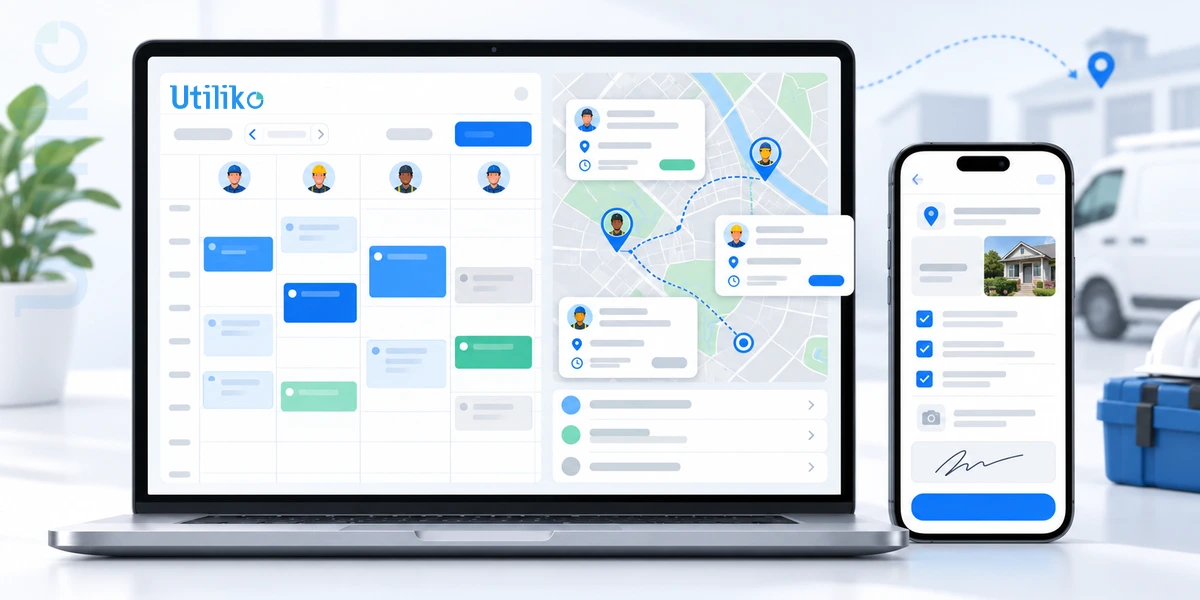 Home service Field Management Software: The Complete 2026 Guide for US Service Businesses
Running a field service business means keeping a lot of moving parts on track. Jobs need to be…
Home service Field Management Software: The Complete 2026 Guide for US Service Businesses
Running a field service business means keeping a lot of moving parts on track. Jobs need to be…
 Blog How to Choose the Best CRM for Sales Team
A rep runs a great discovery call on Monday. By Thursday, nobody can say for certain who owns…
Blog How to Choose the Best CRM for Sales Team
A rep runs a great discovery call on Monday. By Thursday, nobody can say for certain who owns…